INTERACTION / DESKTOP
PortfolioOS
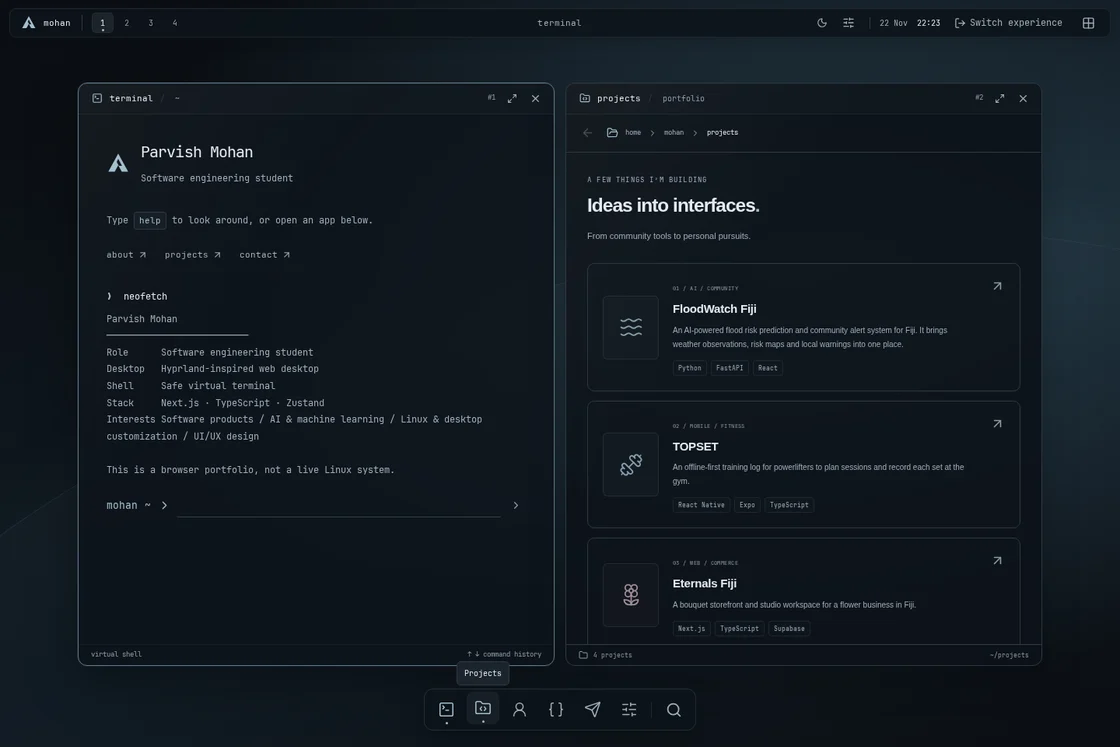
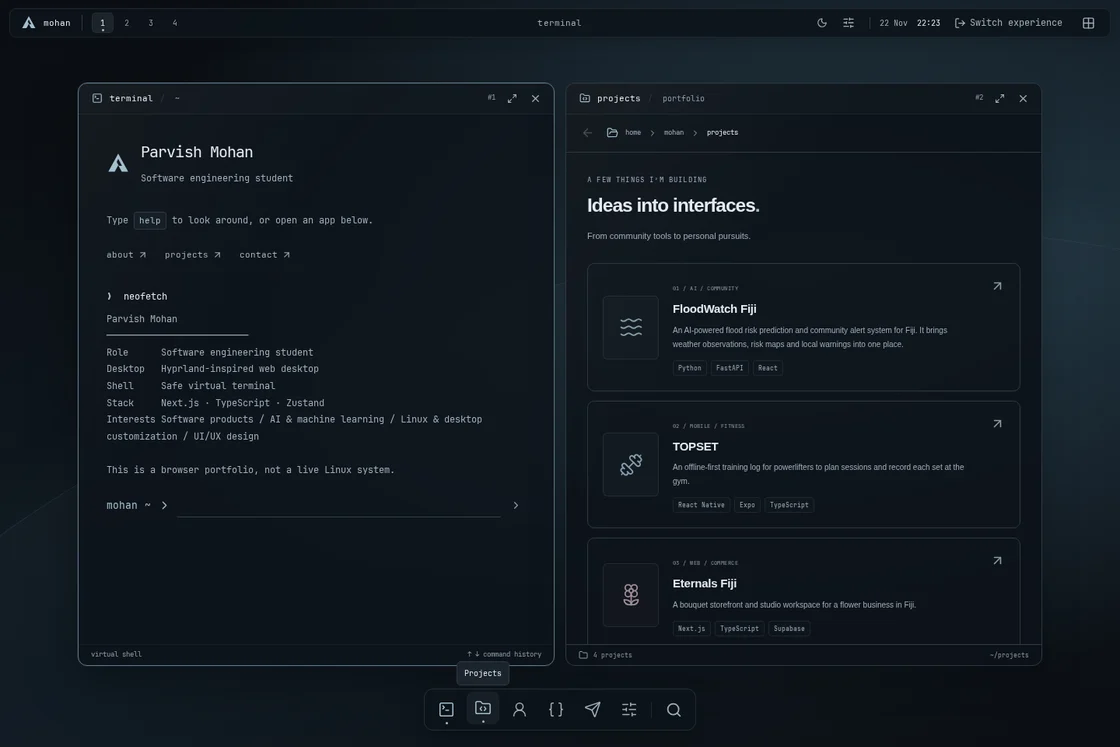
My Hyprland-inspired desktop, rebuilt for the browser. Open a terminal, tile a few windows and explore my work across four workspaces.
- My role
- Designer and developer
- Status
- Available on this site
- Stack
- Next.js · TypeScript · Zustand · Motion
The problem
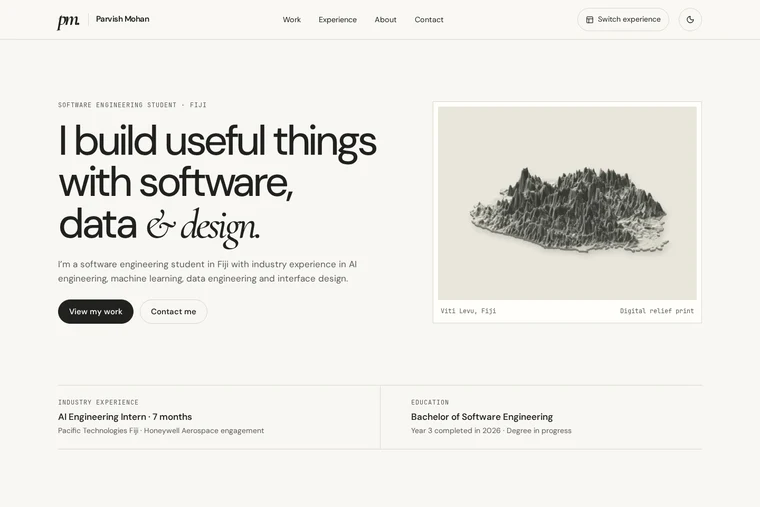
A recruiter may want the shortest path to a project. A developer may want to see how the interface behaves. I built two ways to explore the same work, with a selector that makes the choice explicit.
My contribution
Designed the desktop and built its window manager, applications, Waybar and virtual terminal.
Architecture
Launcher or keyboard
An app launch creates an instance on the active workspace through a Zustand action.
Workspace tree
Each leaf points to a window ID. A split holds its direction and ratio while application state lives with the window instance.
Window stage
The desktop renders tile bounds from the tree. On narrow screens the focused app takes the workspace.
Engineering challenges
Resize without losing a command
A divider updates a split ratio. Keeping the terminal buffer with its window lets the layout change while the typed command survives.
Offer a terminal inside a web page
An allowlisted interpreter resolves commands against a virtual filesystem. Project files draw on the same project records as the classic portfolio.
Project gallery
Testing and results
Unit tests exercise tree operations, focus transitions, instance isolation and invalid terminal input. Browser tests launch apps by keyboard, switch experiences and check that browser history restores the terminal draft.
What I learned
Giving windows stable identities makes keyboard focus, resizing and mobile presentation different views of the same application state.